
Experience
Professional experience and teaching background.
Experience 3
Free Lectures
Watch free learning videos from StudyKosh.
Paid Courses
Paid courses offered by StudyKosh.
Total : 5
Courses
Paid
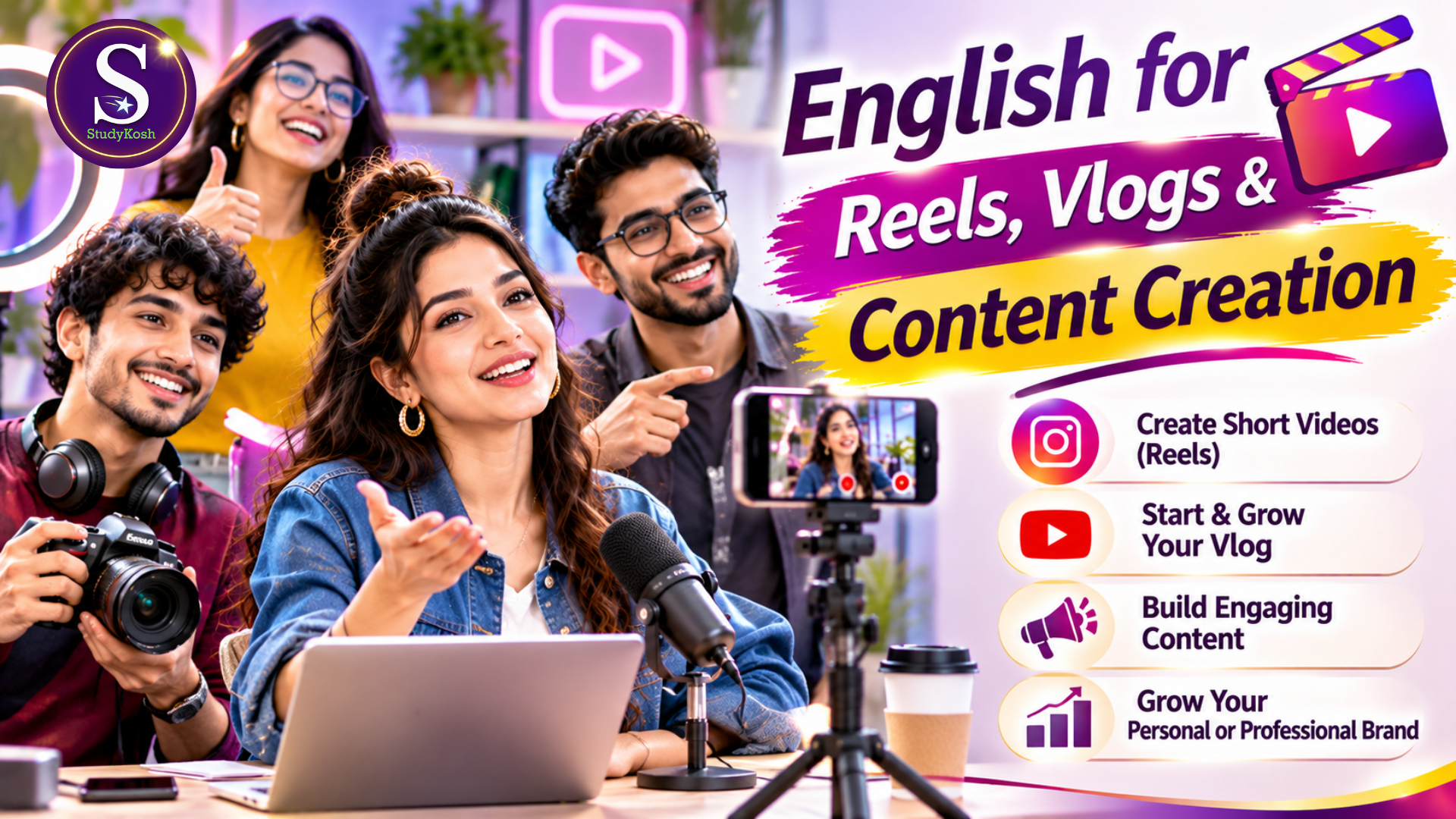
English For Reels Vlogs & Content Creation
English for Reels, Vlogs & Content CreationSpeak Confidently. Create Engaging Content. Build Your Digital Presence.Your English. Your Voice. Your Content. Your Audience.Do you want to create Instagram Reels, YouTube videos, vlogs or digital content but hesitate because of your English-speaking skills?Do you struggle to speak naturally in front of a camera, introduce your ideas, create engaging scripts or communicate confidently with your audience?In today's digital world, content creation is not just about having a good camera or editing skills. The ability to communicate your ideas effectively, engage viewers and present yourself confidently plays an equally important role.The StudyKosh English for Reels, Vlogs & Content Creation programme is designed for individuals who want to improve their English communication specifically for digital content creation.This programme focuses on developing practical English-speaking abilities that can be applied while recording videos, creating Reels, presenting ideas, producing vlogs and building a personal or professional digital identity.About the ProgrammeWhether you are an aspiring influencer, YouTuber, educator, entrepreneur, freelancer, working professional or someone who wants to start creating digital content, communicating confidently on camera can open new opportunities.Many people have valuable knowledge, creative ideas and expertise but hesitate to present themselves because they are not comfortable speaking English.Some struggle to find the right words, others sound unnatural while recording, and many find it difficult to maintain viewers' attention through their communication.This programme aims to bridge that gap.It brings English language development closer to the practical requirements of modern content creation, helping learners understand how to communicate naturally, structure their messages and present their ideas effectively.Why Is English Important for Content Creators?Digital platforms have created opportunities for people to reach audiences beyond their immediate geographical locations.English can help content creators:Reach a wider and more diverse audience.Present ideas to international viewers.Communicate professionally with brands and collaborators.Create content for different digital platforms.Develop confidence while recording videos.Present products, services and expertise effectively.Build a stronger personal or professional brand.Good content deserves good communication. The ability to express your ideas clearly can make your content more engaging and accessible.Who Can Join This Programme?This programme is designed for different age groups, backgrounds and professional categories.Aspiring Influencers and Social Media CreatorsIf you want to start creating Reels, short videos or social media content but feel hesitant speaking English, this programme can help you work towards becoming a more confident communicator.YouTubers and VloggersDevelop the ability to present your thoughts, experiences, opinions and stories more naturally while recording videos.Teachers and EducatorsLearn to communicate educational ideas effectively through online teaching videos, educational Reels and digital learning content.Entrepreneurs and Business OwnersImprove your ability to present your business, explain your services, introduce products and communicate with potential customers through video content.Students and Young ProfessionalsDevelop confidence in presenting ideas, creating digital portfolios and expressing your knowledge through online platforms.Freelancers and CoachesImprove your on-camera communication and develop the ability to present your expertise, services and professional identity.Working ProfessionalsDevelop digital communication abilities that can support professional visibility, knowledge sharing and personal branding.Anyone Interested in Content CreationYou do not need to be an established influencer or professional content creator. Beginners who want to start their digital journey can also benefit.What Will You Develop Through This Programme?Through structured learning and consistent application, you will work towards developing:Greater confidence while speaking in front of a camera.More natural English communication.Better ability to present ideas and opinions.Improved vocabulary for digital content.More engaging ways of communicating with viewers.Better understanding of how to hold audience attention.Improved voice delivery and verbal expression.Greater confidence while recording Reels and vlogs.Better script organisation and presentation.Stronger personal and professional digital communication.Platforms and Content FormatsThe communication skills developed through this programme can be applied across different digital platforms and formats, including:Instagram ReelsYouTube ShortsYouTube long-form videosTravel and lifestyle vlogsEducational videosBusiness and promotional videosProduct demonstrationsInformational and awareness videosPersonal branding contentProfessional video presentationsWhat Makes This Programme Different?This is not simply a conventional English grammar or vocabulary programme.It connects English communication with the practical needs of digital content creators.The objective is to help learners understand how to use English while creating actual digital content rather than limiting their learning to textbook examples.The focus is on practical communication, natural expression, audience engagement and confidence in front of the camera.Start Creating with ConfidenceYou may have knowledge worth sharing, experiences worth presenting and ideas that deserve an audience.Do not let hesitation about English prevent you from expressing yourself.Develop your communication abilities, work on your on-camera confidence and take the next step towards creating meaningful digital content.StudyKosh – English for Reels, Vlogs & Content Creation
Paid
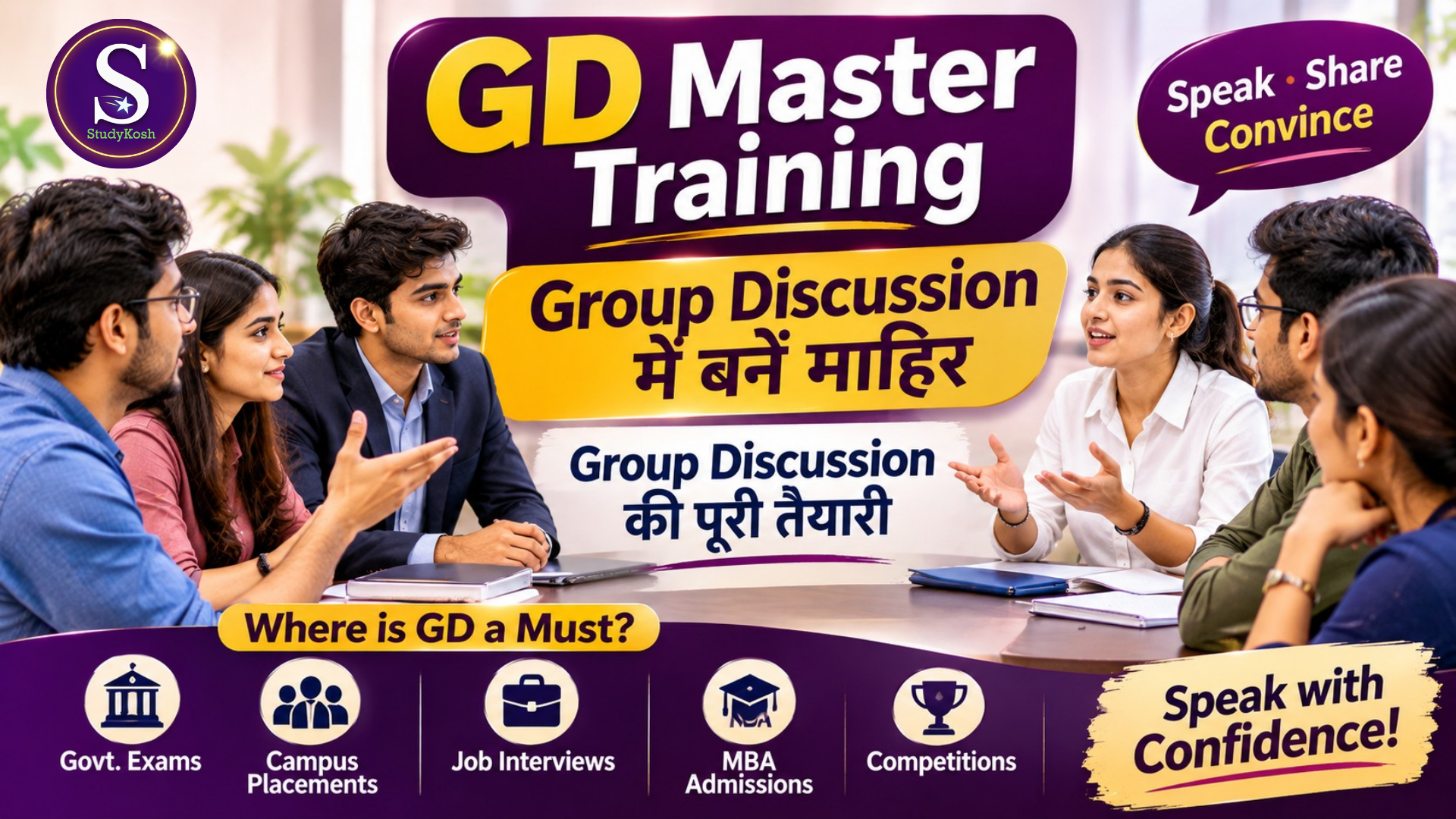
Group Discuisson Master Training
GD Master Training ProgramMaster Group Discussions. Express Your Ideas. Make Your Opinions Count.Speak Smart. Think Clearly. Participate Confidently.Are you nervous about speaking in a group? Do you struggle to initiate a discussion, express your opinions, respond to opposing viewpoints or make your presence felt during group discussions?Group Discussion (GD) is much more than simply speaking in front of others. It is the ability to think critically, communicate ideas logically, listen actively, respect different perspectives and contribute meaningfully to a common discussion.The StudyKosh GD Master Training Program is designed to help learners develop practical group discussion abilities required in academic, professional and competitive environments.This programme focuses on helping participants understand how effective group discussions work and how to become confident, thoughtful and valuable contributors in a group.About the ProgrammeGroup discussions are commonly used to evaluate a person's communication abilities, thought process, awareness, teamwork, leadership potential and ability to handle different opinions.Many individuals have excellent knowledge but struggle to demonstrate their abilities during a group discussion. Some hesitate to speak, some speak without structure, while others find it difficult to respond when someone disagrees with them.This training programme aims to bridge that gap by developing the practical skills required to participate effectively in group discussions.Whether you are preparing for campus placements, MBA admissions, job interviews, government recruitment processes or professional discussions, this programme helps you work towards becoming a more confident and effective participant.Why Is Group Discussion Training Important?Group discussions are an important part of several selection, assessment and professional processes.Your ability to communicate, listen, analyse and contribute can influence how others perceive your suitability for an opportunity.Effective GD skills can help you:Express your thoughts clearly and logically.Initiate a discussion confidently.Contribute relevant and meaningful points.Present arguments with clarity and reasoning.Listen carefully and respond appropriately.Handle disagreements professionally.Participate without dominating others.Demonstrate leadership and teamwork.Maintain composure during challenging discussions.Build a stronger presence in group interactions.Where Are Group Discussion Skills Required?1. Campus PlacementsMany organisations use group discussions as part of their campus recruitment and selection processes. Effective GD skills help students demonstrate communication, teamwork and analytical abilities.2. MBA AdmissionsGroup discussions may form part of the selection process for management programmes and business schools. Candidates are often assessed on their ability to analyse issues, communicate ideas and interact constructively.3. Job Interviews and RecruitmentCertain employers use group-based assessment activities to evaluate candidates' communication, collaboration, decision-making and problem-solving abilities.4. Government and Competitive ExaminationsSome competitive recruitment and selection processes include group-based discussions or interactive assessment exercises. The specific requirements vary by examination and recruitment authority.5. Academic EnvironmentsStudents may need group discussion skills for classroom activities, academic projects, seminars, debates and collaborative assignments.6. Corporate and Professional EnvironmentsProfessionals regularly participate in team meetings, brainstorming sessions, strategy discussions and decision-making conversations where effective participation is important.Who Can Join This Programme?The GD Master Training Program is suitable for individuals from different educational backgrounds and professional fields.School StudentsDevelop confidence in expressing opinions.Participate more effectively in classroom discussions.Improve listening and speaking abilities.Learn to present ideas logically.College StudentsPrepare for campus placement assessments.Develop confidence in group interactions.Improve communication and teamwork.Prepare for management entrance and admission processes where GD is used.MBA AspirantsDevelop structured discussion abilities.Improve analytical thinking and argumentation.Become more comfortable with different viewpoints.Prepare for group-based admission assessments.Job Seekers and Working ProfessionalsImprove professional communication.Participate confidently in workplace discussions.Develop collaborative problem-solving abilities.Strengthen their performance in group-based assessments.Competitive Exam AspirantsImprove confidence during interactive selection activities.Develop logical expression and discussion skills.Become more comfortable discussing current and general topics.What Will You Gain from This Programme?Through structured learning and consistent practice, you will work towards developing:Greater confidence in group discussions.Improved clarity of thought and expression.Better logical reasoning and argumentation.Stronger listening and response skills.Improved ability to initiate and conclude discussions.Greater awareness of group dynamics.Better management of disagreements and conflicting opinions.Improved teamwork and collaborative communication.Greater confidence in selection-oriented GD environments.A more organised and professional communication style.Training MediumThe programme is designed with accessible learning in mind. Participants can learn the principles of effective group discussion and develop their skills through structured training.The training is intended to help learners understand not just what to say, but also when to speak, how to contribute and how to interact effectively with other participants.Begin Your GD Master JourneyA successful group discussion participant is not necessarily the person who speaks the most. It is the person who contributes meaningfully, listens carefully, thinks logically and communicates effectively.Develop these abilities and prepare yourself for the group discussion opportunities that matter in your academic and professional journey.
Paid
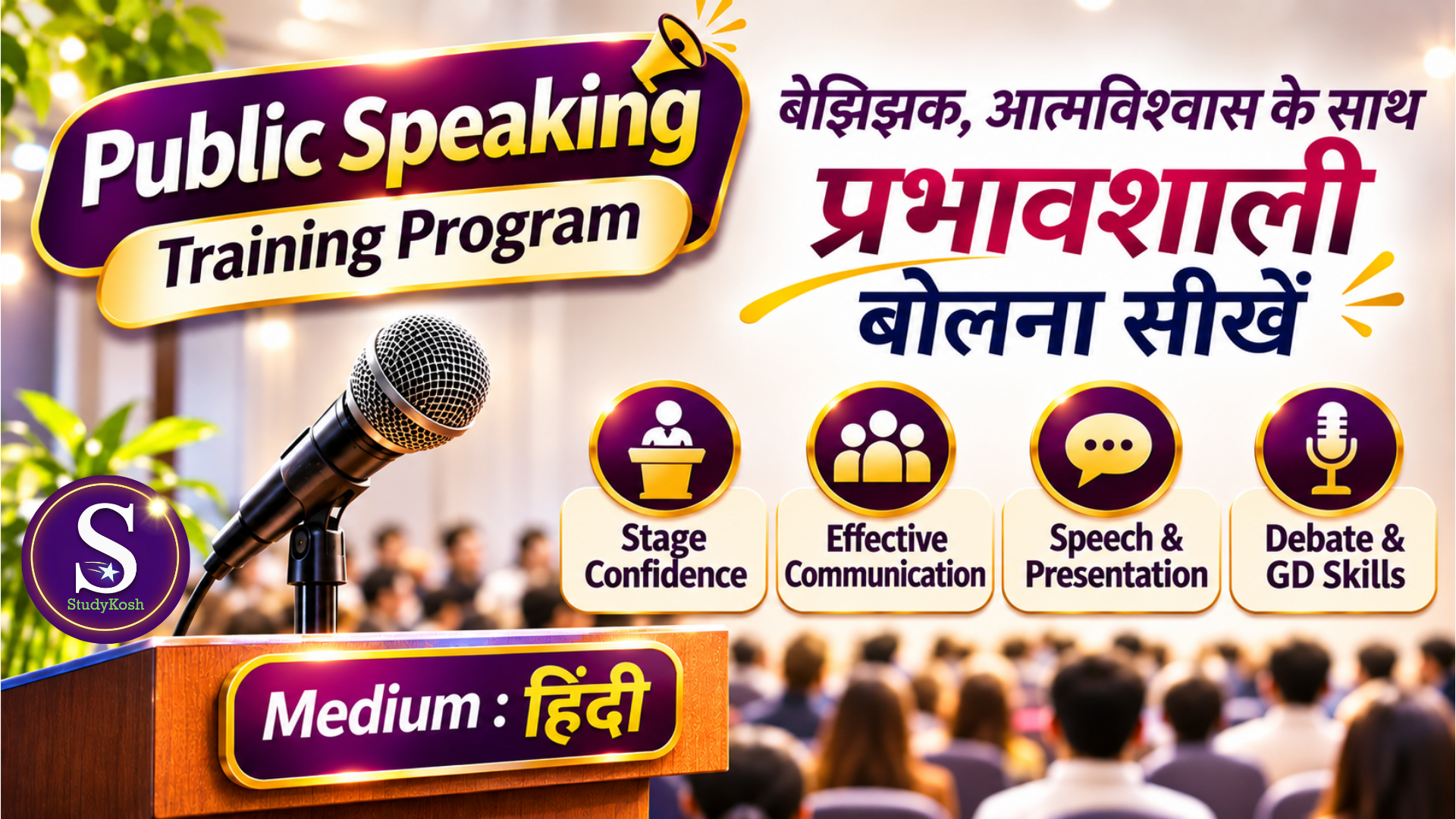
Public Speaking Training Program (Hindi)
Public Speaking Training Program (Hindi Medium)Speak with Confidence. Express with Clarity. Influence with Impact.Do you feel nervous when speaking in front of people? Do you hesitate while expressing your thoughts, struggle to address an audience or find it difficult to communicate confidently during discussions and presentations?Public speaking is more than standing on a stage and delivering a speech. It is the ability to organise your thoughts, communicate your ideas effectively, engage an audience and express yourself with confidence.The StudyKosh Public Speaking Training Program (Hindi Medium) is designed to help learners develop practical speaking, presentation and communication abilities through structured training and guided learning in Hindi.The programme makes public speaking concepts easier to understand and apply, particularly for learners who are more comfortable learning in Hindi.About the ProgrammeThis training programme focuses on developing confidence and competence in different speaking situations. It aims to help learners move beyond hesitation and become more effective communicators.Whether you want to speak in front of a classroom, address a large audience, participate in a debate, deliver a presentation or contribute confidently to a group discussion, this programme provides a structured learning opportunity.The emphasis is on understanding the principles of effective speaking and learning how to apply them in practical situations.Why Is Public Speaking Important?The ability to communicate confidently can make a significant difference in academic, professional and personal life.A person may have excellent knowledge and ideas but still struggle to communicate them effectively. Public speaking helps bridge this gap.Developing public speaking abilities can help individuals:Express their thoughts and opinions more clearly.Present ideas in an organised manner.Communicate confidently in front of groups.Participate more effectively in discussions.Present information in an engaging way.Develop a stronger professional and personal presence.Handle speaking opportunities with greater confidence.Who Can Join This Programme?The programme is suitable for individuals from different age groups, educational backgrounds and professional fields.School Students: Develop confidence in classroom speaking, speeches, school activities and presentations.College Students: Improve presentation abilities, group discussion participation and confidence during academic interactions.Competitive Exam Aspirants: Develop communication confidence useful in interviews, personality assessments, group discussions and other selection processes where speaking skills matter.Teachers and Educators: Strengthen classroom communication, presentation and audience-engagement abilities.Working Professionals: Improve confidence while presenting ideas, addressing colleagues, participating in meetings and communicating professionally.Homemakers and Beginners: Develop confidence in expressing thoughts, communicating in social settings and speaking before groups.Aspiring Speakers: Build a foundation for delivering speeches, addressing audiences and participating in public speaking opportunities.Learning Medium – HindiThe programme is delivered in Hindi to make the concepts accessible and easier to understand.Learners can focus on developing their speaking abilities without struggling to understand complicated explanations in an unfamiliar language.The objective is to make public speaking training accessible to Hindi-medium learners while helping them develop practical communication confidence.What Will You Gain from This Programme?Through structured learning and consistent application, you will work towards developing:Greater confidence while speaking in public.Reduced hesitation in front of an audience.Better organisation and presentation of ideas.Improved verbal expression and communication.Greater awareness of audience engagement.Confidence in delivering speeches and presentations.Better participation in debates and group discussions.Improved ability to express opinions and support arguments.Greater comfort in formal and informal speaking situations.A more confident approach towards academic and professional opportunities.Practical ApplicationsPublic speaking is not limited to professional speakers or people who appear on stage.You can use these abilities when:Delivering a speech at school or college.Participating in debates and competitions.Giving presentations.Attending interviews.Participating in group discussions.Addressing meetings and professional gatherings.Conducting classroom sessions.Expressing opinions during social discussions.Speaking at events and public gatherings.Begin Your Public Speaking JourneyYou do not have to be naturally confident to become a good public speaker. Confidence can be developed through learning, preparation, practice and consistent improvement.Start working on your speaking abilities, learn to express your thoughts more effectively and prepare yourself for opportunities where your voice and ideas matter.StudyKosh – Public Speaking Training Program (Hindi Medium)Your Ideas Deserve to Be Heard. Learn to Express Them Confidently.
Paid
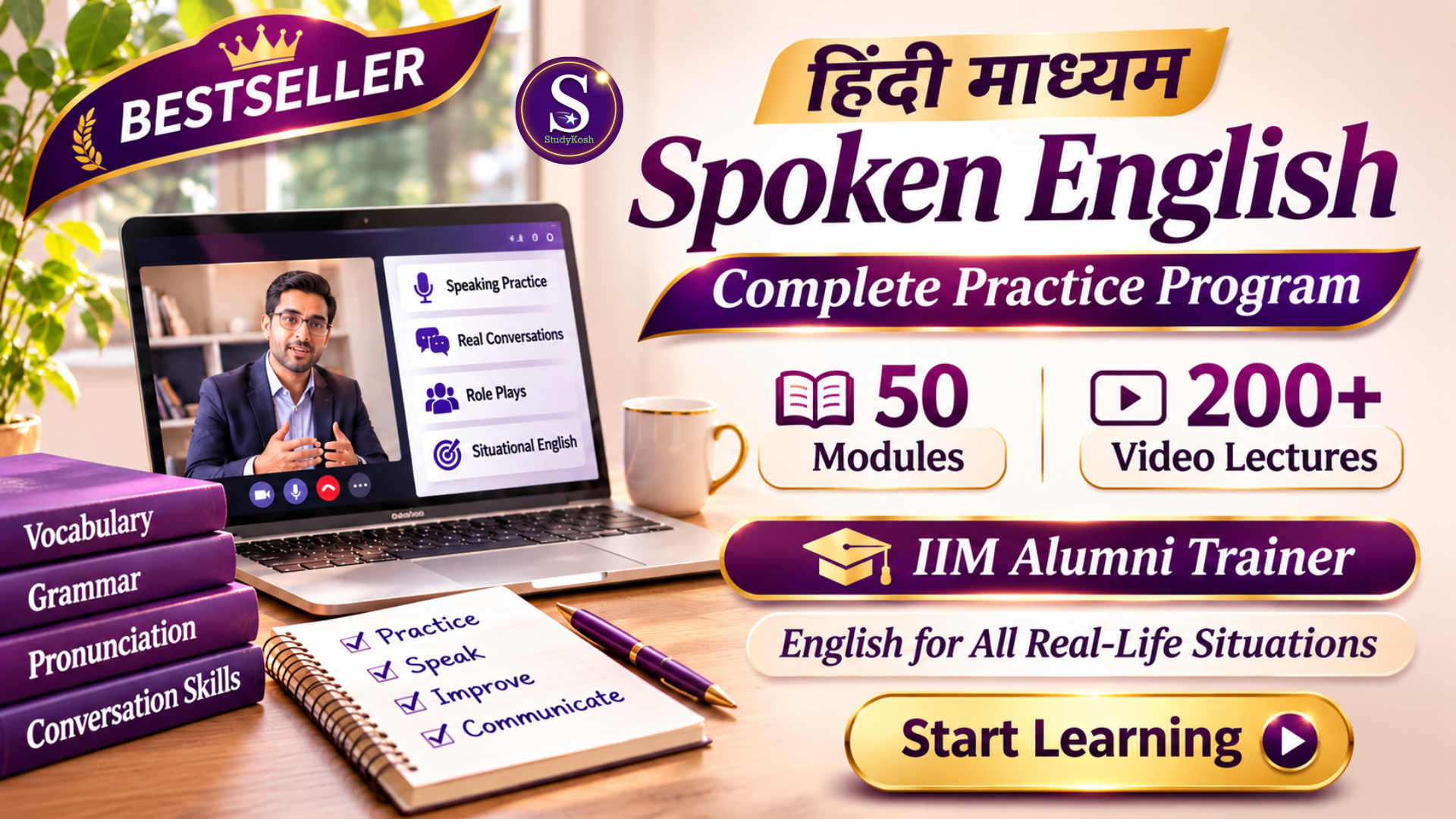
Complete English Speaking Training (Hindi + English)
Spoken English – Complete Practice Program50 Modules | 200+ Video Sessions | IIM Alumni TrainerBuild Confidence. Improve Fluency. Communicate Naturally in English.Welcome to the StudyKosh Spoken English Complete Practice Program — a comprehensive English learning and practice programme designed to help learners develop confidence, fluency, clarity and effective communication skills for everyday and professional life.Learning English is not just about knowing grammar, memorising vocabulary or understanding sentence structures. Real English proficiency comes from knowing how to use the language correctly, confidently and naturally in different situations.This programme focuses on helping learners move beyond theoretical knowledge and develop practical English communication abilities through structured learning, extensive video-based guidance and practice-oriented content.With 50 comprehensive modules and more than 200 video sessions, the programme offers an extensive learning experience for individuals who want to improve their English communication skills systematically.What Makes This Programme Different?1. Comprehensive Learning ExperienceThe programme brings together 50 structured modules covering different aspects of English language development and communication. Learners get access to more than 200 video sessions that support their learning journey, helping them understand concepts, observe examples and strengthen their communication abilities.2. Practice-Oriented LearningKnowing English and being able to use English are two different things. This programme emphasises practical application rather than limiting learning to theoretical explanations.Learners are encouraged to understand how English works in real situations, develop appropriate expressions, improve sentence formation and become more comfortable using the language.3. Guidance from an IIM Alumni TrainerLearn through a programme guided by an IIM Alumni Trainer, bringing an organised, professional and practical approach to English language development.The learning experience focuses on making English understandable, usable and relevant to everyday communication.4. English for Real-Life SituationsEnglish is required in classrooms, colleges, workplaces, interviews, meetings, social interactions and countless everyday situations.This programme aims to help learners develop the language skills needed to communicate appropriately across personal, academic and professional environments.Who Can Join This Programme?The programme is designed for learners from different age groups, educational backgrounds and professional circumstances.School StudentsDevelop confidence in speaking English.Improve sentence construction and vocabulary.Participate more confidently in classroom discussions.Express thoughts and ideas clearly.Strengthen communication for academic and everyday situations.College StudentsImprove conversational English.Develop confidence in group discussions and presentations.Communicate effectively with peers and faculty.Prepare for interviews and professional interactions.Express opinions and ideas more fluently.Housewives and HomemakersDevelop confidence in everyday English conversations.Communicate comfortably in social situations.Improve vocabulary and sentence formation.Become more independent and confident in English communication.Practise using English in common daily interactions.Working ProfessionalsImprove workplace communication.Develop confidence in professional conversations.Communicate more effectively during meetings and discussions.Strengthen spoken English for interviews and career opportunities.Improve clarity and confidence while expressing professional ideas.Beginners and English LearnersBuild a stronger foundation in English communication.Become familiar with practical English usage.Improve understanding and application of the language.Gradually develop confidence through structured learning and practice.What Will You Gain?By engaging with the programme, learners work towards developing:Greater confidence while speaking English.Improved sentence formation and expression.Better vocabulary and word usage.Improved understanding of English communication.Greater fluency and conversational ability.Better clarity while expressing thoughts.Improved ability to communicate in different situations.More confidence in academic and professional interactions.Better understanding of appropriate language usage.A more structured approach to continuous English improvement.Programme Highlights50 Comprehensive Modules: An extensive, structured learning journey.200+ Video Sessions: Substantial video-based learning content.IIM Alumni Trainer: Learning guided by an experienced academic and professional background.Practical Communication Focus: English learning connected to real-life requirements.Multiple Learner Categories: Suitable for school students, college students, homemakers, working professionals and beginners.Structured Learning: Organised content to support progressive learning.Extensive Practice Orientation: Focus on applying English rather than merely studying it.Why Choose StudyKosh?At StudyKosh, we believe education should create practical abilities that learners can use beyond the classroom.Our approach focuses on making learning meaningful, accessible and applicable to real-world requirements.The Spoken English Complete Practice Program is designed to bring together structured content, extensive video learning and practical communication development in one comprehensive programme.Whether you are a student preparing for your future, a homemaker looking to develop confidence, a college learner preparing for professional opportunities or a working professional seeking better communication skills, this programme provides a structured opportunity to work on your English.Start Your English Communication JourneyYou do not need to wait for the perfect moment to start communicating in English. Improvement begins when you start learning, practising and applying what you learn.Explore the 50 modules, learn through 200+ video sessions and work towards becoming a more confident English communicator.StudyKosh Spoken English – Complete Practice ProgramLearn English. Practise English. Use English in Real Life.
Paid
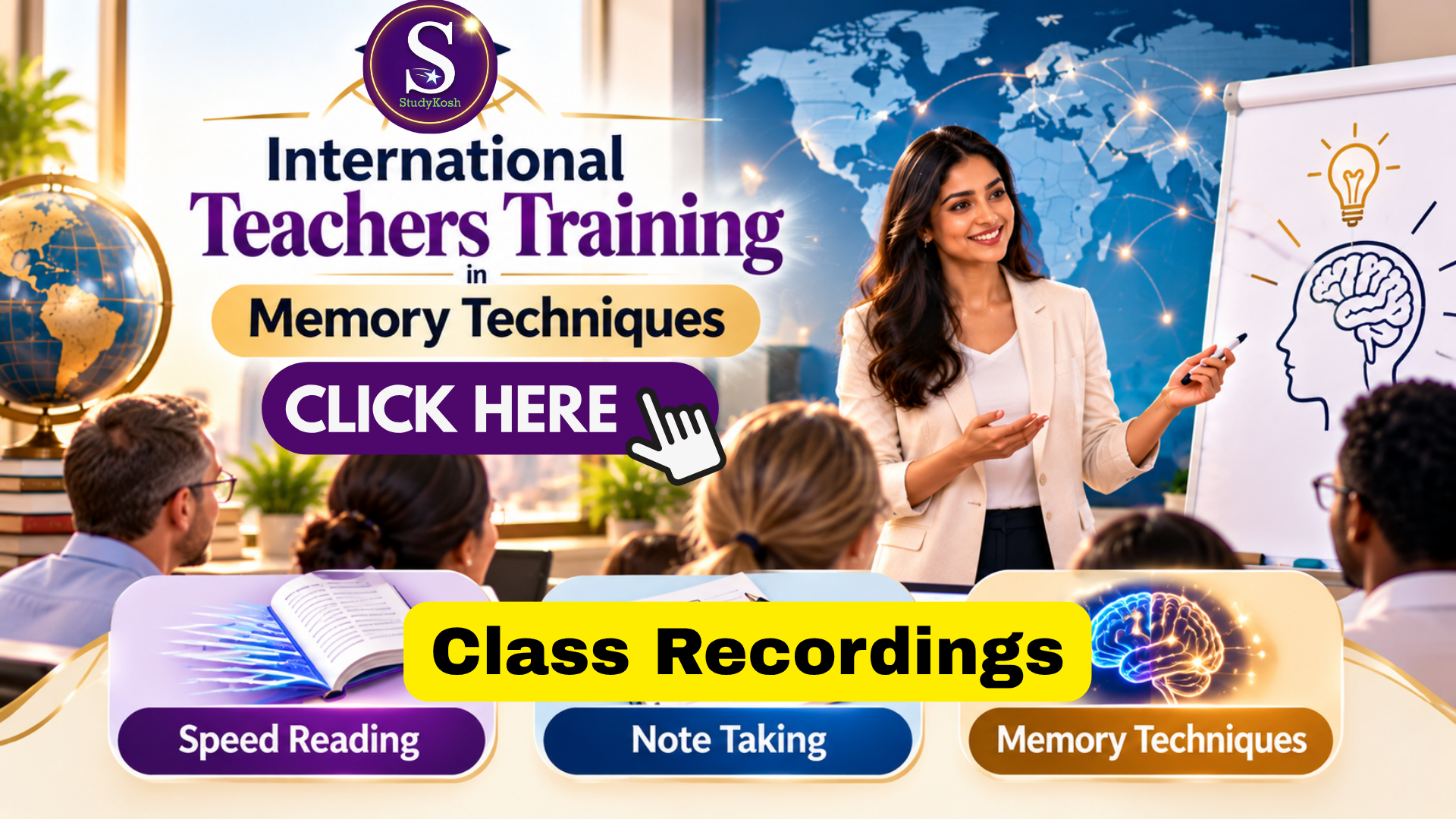
LIVE Class Recordings October Batch
International Teachers Training in Memory TechniquesTransform the Way Teachers Teach and Students Learn.An international professional development program designed to equip educators with practical, classroom-ready strategies in memory techniques, reading enhancement, and strategic note-making.The 3-Skill Teacher Mastery Framework1. MEMORY MASTERY — 30 Practical TechniquesBuild stronger mental associations.Improve information retention and recall.Organise complex concepts into memorable structures.Make abstract information easier to understand and remember.Strengthen learning through meaningful connections.2. READING ENHANCEMENT — 5 Reading MethodsExplore complementary reading approaches to support reading efficiency, comprehension, and effective information processing.3. NOTE-MAKING MASTERY — 5 Note-Taking MethodsLearn strategic approaches to organise information, identify key ideas, structure knowledge, and create effective study notes.Beyond Training: Classroom ImplementationClassroom Application Framework for practical teaching integration.Teaching-Ready Manuals to support implementation.Grade 3 onwards: Adapt techniques for learners across school levels and subject areas.Designed for educators who want to move beyond conventional teaching methods and build more engaging, structured, and memorable learning experiences.Learn the techniques. Master the skills. Transform your classroom.
Book Your 1-to-1 Session with Your Preferred Teacher
Get personalised guidance from our teachers at a time slot that is convenient for you. Follow these simple steps to book your 1-to-1 session:
2
Sign Up / Log In
Open the StudyKosh App and Sign Up if you are a new user, or Log In if you already have an account.
3
Go to “FIND TEACHERS”
From the app, select FIND TEACHERS to explore the teachers available for 1-to-1 sessions.
4
Select Your Category & Subject
Choose the Category and then select your Subject to find teachers who offer sessions in your area of learning.
5
Choose Your Teacher & Preferred Slot
Select your preferred teacher and choose a date and time slot that is most convenient for you.
6
Send a Booking Request
After selecting your preferred slot, send a request to the teacher.
⏳
Once your request is submitted, the request timer will start. The teacher will review your request and respond within the specified time.
7
Get Teacher Approval
Once the teacher approves your request, you can proceed with the payment for your selected 1-to-1 session.
8
Complete Your Payment
Complete the payment for your approved slot through the StudyKosh App. Your session will be confirmed once the payment is successfully completed.
9
Join Your 1-to-1 Session
At the scheduled date and time, open the StudyKosh App and join your class from the relevant session section.
IMPORTANT NOTE
Any course purchased through the StudyKosh website will be automatically available in the “Journey” section of the StudyKosh App.
Simply log in to the app using the same account details used for your purchase to access your course and continue your learning journey.